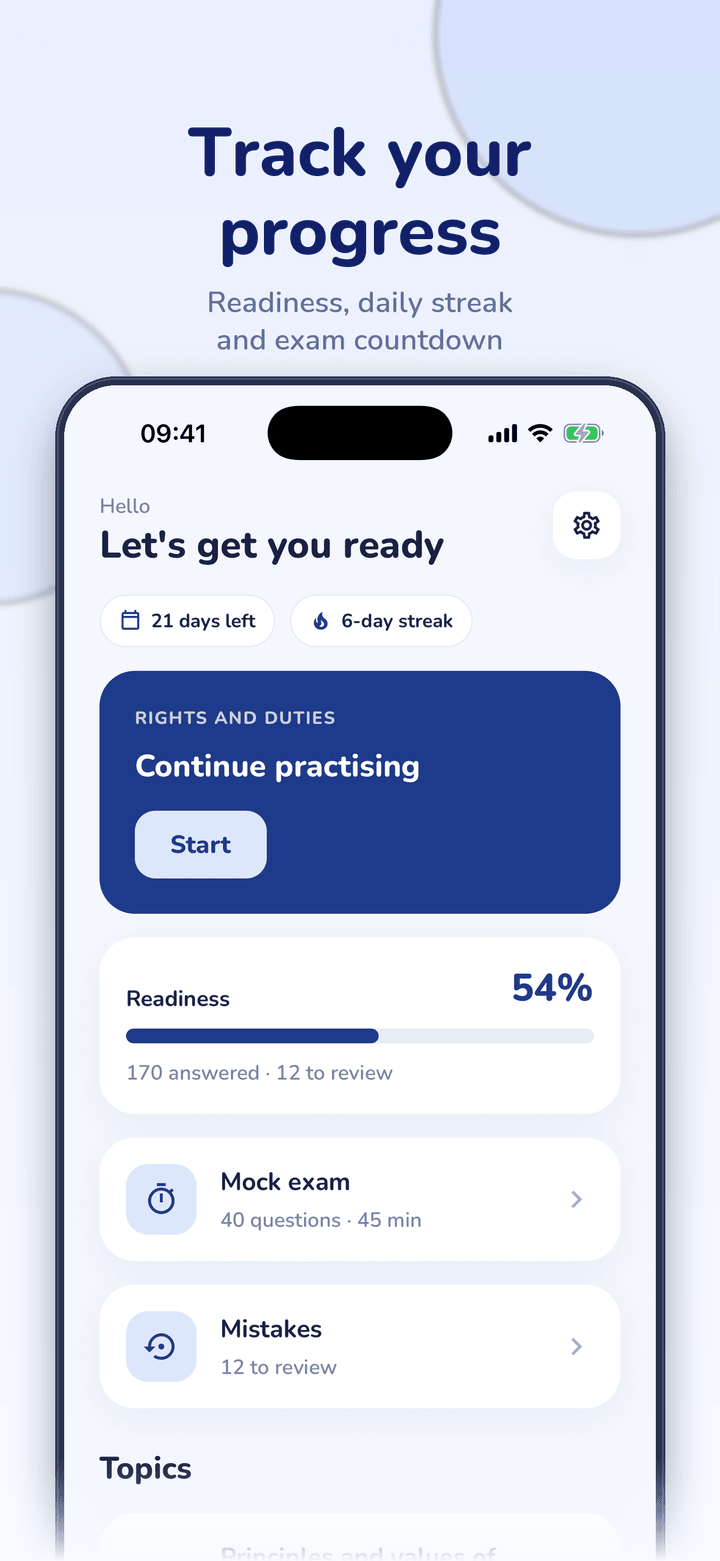
Examen Civique Prépa keeps a list of every question you answered wrong, newest first. You can retry them all at once, and a question leaves the list when you answer it correctly. Practice sets also put questions you got wrong before the ones you already know. Mistakes review is part of full access.
| List order | Most recent mistakes first |
|---|---|
| A mistake clears when | You answer that question correctly |
| Practice order | Unseen, then previously wrong, then previously right |
| Plan | Part of full access (one-time purchase) |
By Ship AI Lab. Last updated . Written from how the app actually behaves.
Why revisiting mistakes works
Most of the learning happens when you are corrected. If you answer a question wrong and never see it again, the correction is wasted. The mistakes list makes sure you do see it again: the question waits there until you can answer it correctly.
A mistake is cleared only by a correct answer, so the list shrinks as you learn. If you get something wrong again later, it goes back on the list.
Two ways to revise
Open Mistakes from the home screen to see the questions you got wrong, with the most recent first, and retry them all with one button that shows how many there are. This is ideal the evening after a mock exam.
Alongside that, topic practice orders questions so that unseen questions come first, then the ones you got wrong before and finally the ones you already got right. You keep meeting your weak spots without having to manage a list.
How to use the mistakes list
- Practise or take a mock examWrong answers are saved automatically.
- Open MistakesYou see the number of questions waiting.
- Retry them allRead each explanation, then answer again.
- Watch the list shrinkCorrect answers clear a mistake. Repeat until it is empty.
When it is most useful
The evening after a mock exam
Fix the exact questions that cost you points.
The week before the exam
Use your list as a short, personal revision set.
During short breaks
Retry a handful of mistakes in a few minutes.
To check real progress
An empty list means you have answered everything you missed.
Limits
- The mistakes list is stored on your device. Without an account there is no sync, and reinstalling the app clears it.
- Mistakes review requires full access, a one-time purchase with no subscription. The free plan has limited questions and one mock exam.
- Clearing the list does not guarantee you will pass; it shows you have answered those questions correctly in the app.
Frequently asked questions
How does the app know which questions I got wrong?
Every answer is recorded on your device. A wrong answer adds the question to the mistakes list.
When does a question leave the list?
When you answer it correctly.
Is it a subscription feature?
No. It is part of full access, a single one-time purchase.
Can I retry them all at once?
Yes, there is a button to retry all of your mistakes together.
Does it work offline?
Yes. Everything is stored on the device.
For official information, see the Ministry of the Interior civic training website and the decree of 10 October 2025.